Register and access services
Create your GeoRanker account and open the services you use.
Use the GeoRanker Platform to choose a service and manage your account. Open SEO Tools to work on projects, keywords, rankings and site audits. For programmatic access to search results or Universal Scraper, choose HV SERP API. GeoRanker Platform. SEO Tools
Create an account
If a colleague invited you, open the invitation and select Accept invitation. To start your own subscription, follow these steps.
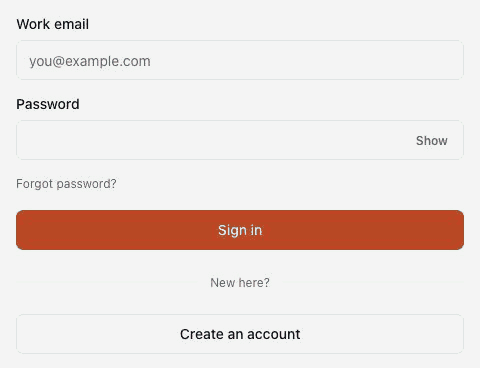
- Open the GeoRanker Platform and select Create an account on the sign-in screen.
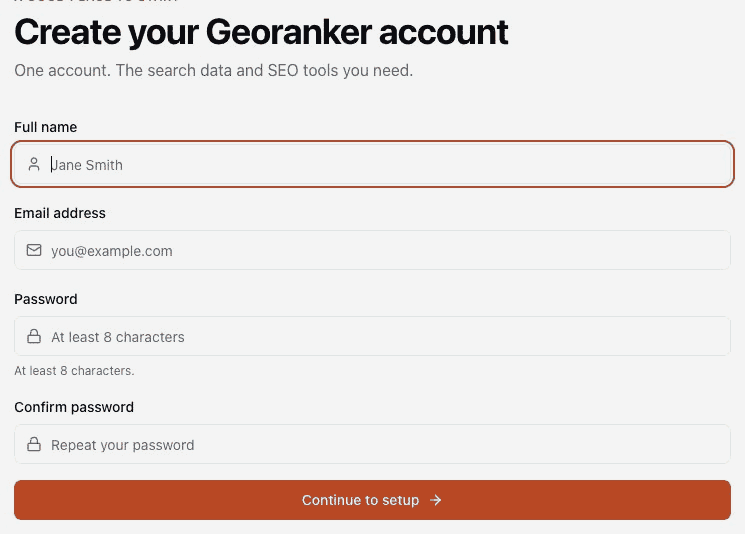
- Enter your full name and email address, then choose and confirm a password. Select Continue to setup.
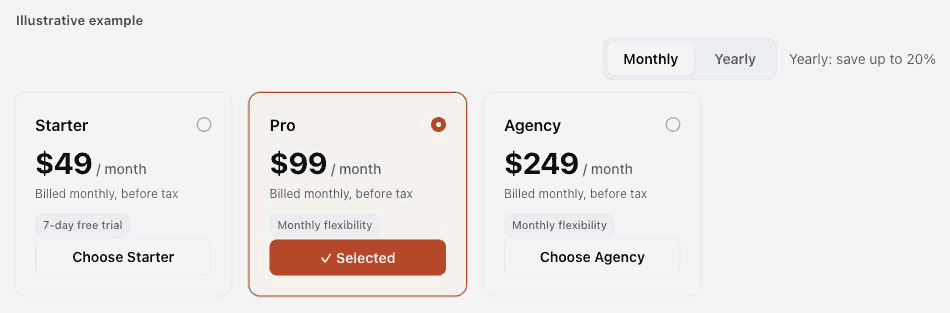
- For SEO Tools, select a plan and billing interval. For HV SERP API, set your monthly request volume, pages per request and priority to see the credit allowance and price.
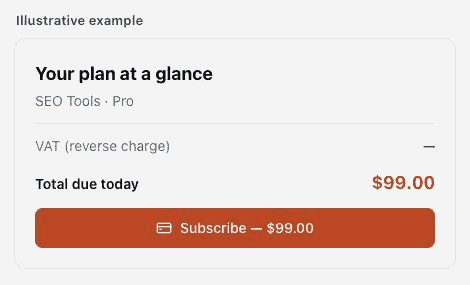
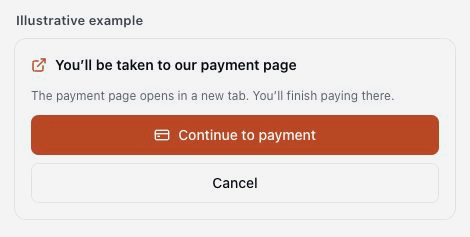
The screens below are illustrative. Check the plan, taxes and amount shown for your account before paying.
- Review your billing details, the amount due today and the renewal terms. Follow the prompts for your plan. If you see Continue to payment, select it to open the payment page in a new tab. Once finished, return to the Platform to check payment confirmation.
Open a service you already use
- Sign in to the GeoRanker Platform and open Services.
- For an active subscription, select View service details to see the plan and its settings. For SEO Tools, select Go to service to open the workspace.
- For HV SERP API, open the service details. Owners and admins can issue service-specific keys under API keys. Each person making requests needs a key and credits assigned to them.

To add another service as the owner, open Services and select View service plans on its card. If the card says Payment pending, finish the existing checkout before starting another. If you joined through an invitation and a service is missing, ask your owner or an admin to add you to its team.